Campaign · Player · Combat Companion

Plan sessions. Connect players. Run combat.

Companion HQ brings campaign preparation, character management and live combat into one connected workflow.

Prepare sessions in Campaign Companion, share information and rewards with your players, and move into Combat Companion without leaving the campaign behind.

Choose Your Companion

5E compatible · 2014 and 2024 rules · Browser-based

An illustrated game master's tabletop: an open campaign folio on a dungeon map, with dice, an ink pot, a quill and a key.

The campaign table

Three Companions. One connected campaign.

Each Companion has a clear role. Together, they keep campaign information, character data and live encounters connected.

For Game Masters

Prepare the session. Direct the campaign.

Plan sessions, organize the information your players need and prepare encounters before anyone rolls initiative.

  • Plan sessions and structure story beats
  • Prepare loot, rewards and discovery thresholds
  • Manage players, character sheets and party information
  • Store NPCs with descriptions or complete stat blocks
  • Prepare encounters, custom monsters and lair actions
  • Share information, items and rewards with selected players or the whole party
  • Review damage dealt and damage received across the campaign
  • Browse open-licensed monsters, items, magic items and reference material
Sessions Party NPCs Encounters
Session 7 — The Vault BelowDraft
Loot: concealed coin purse Encounter: Bugbear ×2
Story beatsLoot & rewardsInformation visibilityCombat statistics
An illustrated elven ranger character, hooded, with a longbow. Character folio
For Players

Keep your character ready and connected.

Player Companion — TaliaRogue 5
HP27 / 34
Slots
+ Potion of Healing received
  • Create characters with a guided builder
  • Manage the character sheet and core values
  • Track spell slots and other resources
  • Organize inventory and equipment
  • Receive items and rewards directly
  • View shared campaign information
  • Follow the initiative order and live combat updates
  • Choose between 2014 and 2024 rules
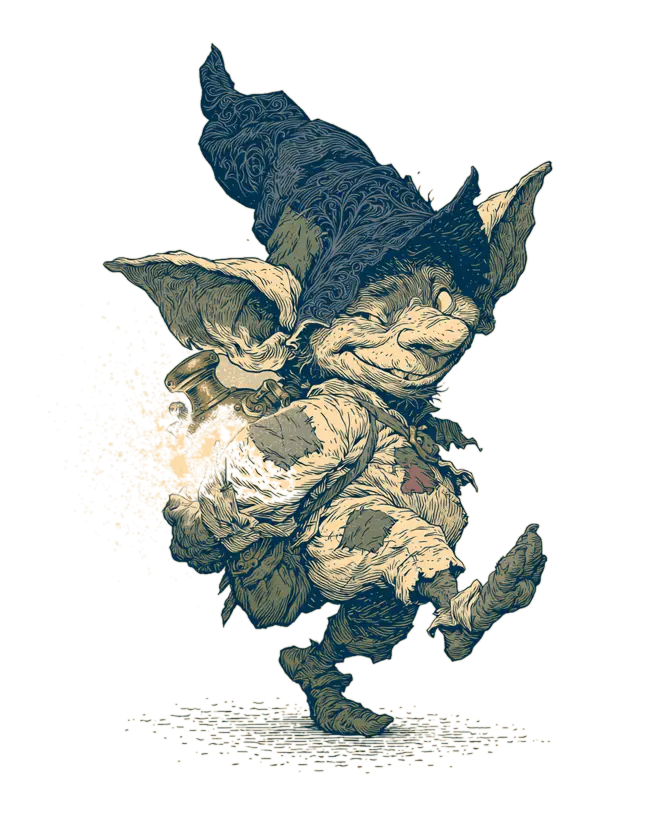
An animated goblin combatant Combat tracker
For Game Masters

Run the fight without losing the campaign.

Combat Companion — Round 2
19BugbearFrightened
14Talia
11Kessa
  • Load encounters prepared in Campaign Companion
  • Manage initiative and turn order
  • Apply damage, healing and temporary hit points
  • Track death saves, conditions and timed effects
  • Use open-licensed or custom monster stat blocks
  • Roll dice and save frequently used formulas
  • Track spell slots, lair actions and legendary actions
  • Share initiative and combat changes with connected players

The session flow

Prep, play and combat stay connected.

Companion HQ is built around the full session flow instead of treating preparation, characters and combat as separate files.

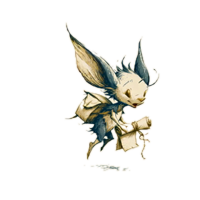
A messenger sprite carrying a scroll
  1. Prepare in Campaign Companion

    Plan the session, arrange story beats, select NPCs and prepare encounters. Set rewards in advance or define different discoveries for different check results.

  2. Share the right information

    Publish general campaign information for everyone or limit it to selected players.

    A character with a Criminal background might know where to find an underground contact. Other characters do not need to see that information.

  3. Start the live session

    Send information, items, loot and rewards while the session is running. Players receive the updates in Player Companion.

  4. Move into combat

    Open a prepared encounter in Combat Companion. Initiative, damage and relevant character changes are shared with the connected Player Companions.

  5. Return to the campaign

    Move back to Campaign Companion with current character and encounter information still available. Level-ups and character changes are reflected in the party overview.

Campaign Companion · Session prep

Prepare more than an initiative list.

Campaign Companion gives the Game Master a working space for the information that becomes relevant before, during and after a session.

A kobold helper
Discovery thresholds
Investigation DC 15
→ Find the concealed coin purse
Investigation DC 20
→ Find the coin purse and the hidden key

Sessions and story beats

  • Plan upcoming sessions
  • Arrange story beats without scripting an outcome
  • Keep session information together
  • Move prepared encounters directly into Combat Companion

Loot and rewards

  • Prepare loot before the session
  • Assign rewards to individual players or the whole party
  • Send awarded items directly to player inventories
  • Set different rewards for different check results

Information and visibility

  • Publish information that every player may know
  • Restrict information to individual players
  • Share knowledge based on character background
  • Decide which campaign details appear in Player Companion
Planned

A dedicated private-result flow for checks such as Insight, so the result can be sent only to the player who made the check.

Party overview

See the party at a glance or open the full sheet.

Campaign Companion keeps frequently needed character information visible without reducing every player to a few numbers.

Party — The Ashfall Company4
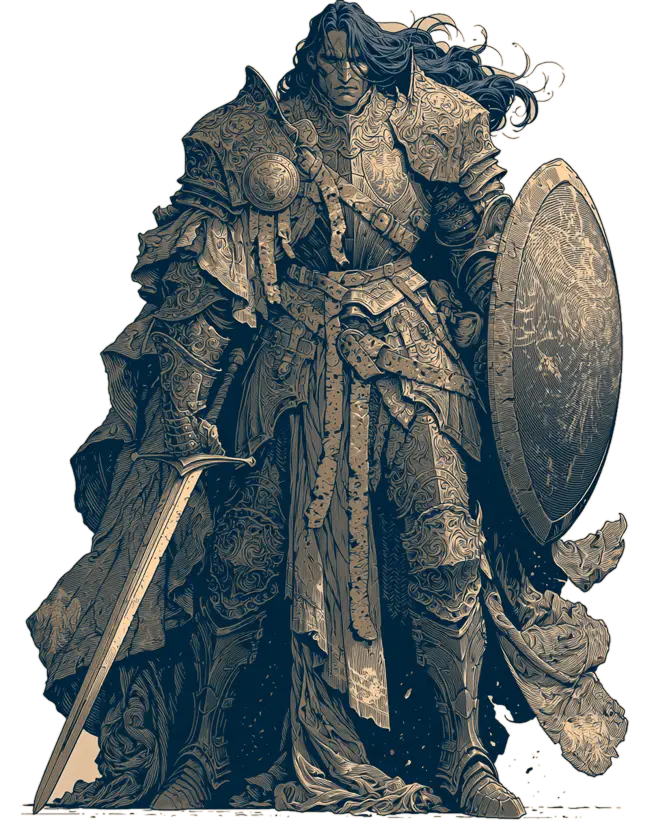
Party member portrait: an armored paladin.
Party member portrait: a hooded elven ranger.
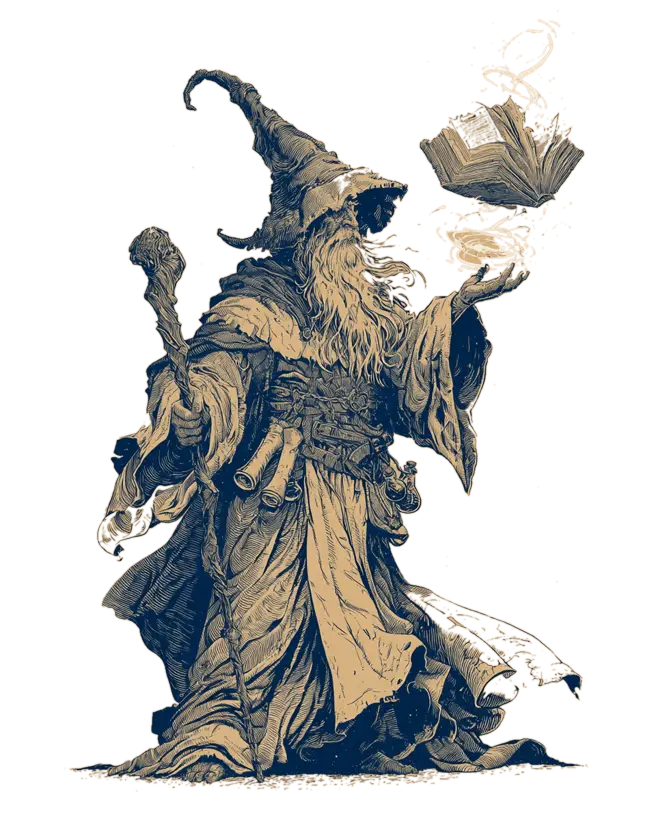
Party member portrait: an elderly archmage.
Character Pass. Perc Pass. Inv
Talia · Rogue 51618
Kessa · Cleric 51412
Bram · Fighter 51311
Ilya · Wizard 51215

Party overview

Review values that often matter during play, including:

  • Passive Perception
  • Passive Investigation
  • Core character values
  • Current party composition
  • Campaign damage statistics

Full character access

Open the complete character sheet when more detail is needed. Character changes and level-ups made in Player Companion update the campaign view.

Direct distribution

Send an item or reward to:

One selected playerSeveral selected playersThe entire party

Awarded items can appear directly in the corresponding player inventories.

Recurring characters & encounters

Prepare recurring characters and encounters once.

NPCs

Store only the information required at the table or attach a complete stat block.

Possible NPC information includes

  • Name and appearance
  • Role in the campaign
  • Notes for the Game Master
  • Selected combat values
  • Complete stat block

Combat Library

Prepare encounters before the session and open them later in Combat Companion.

  • Save encounter lineups
  • Add open-licensed monsters
  • Create custom monsters
  • Store or adjust lair actions
  • Reuse prepared combatants
  • Review campaign combat statistics
Encounter: The Vault Below
Goblin Boss
Hydra
Custom: Vault Warden

Content library

Open-licensed rules content, ready to search.

Campaign Companion includes a searchable library for preparation and play.

322
monsters
218
equipment & everyday items
390
magic items
Services & lodging
reference material
  • Consumable references, including poisons
  • Crafting references
  • Lifestyle expenses
  • Price guidelines
Bestiary illustration: an original red fantasy dragon breathing fire near a volcano.
Bestiary — Adult Red Dragon
DragonFireLegendary actionsLair actions
Search monsters…
Type: Monstrosity By name
Goblin Boss
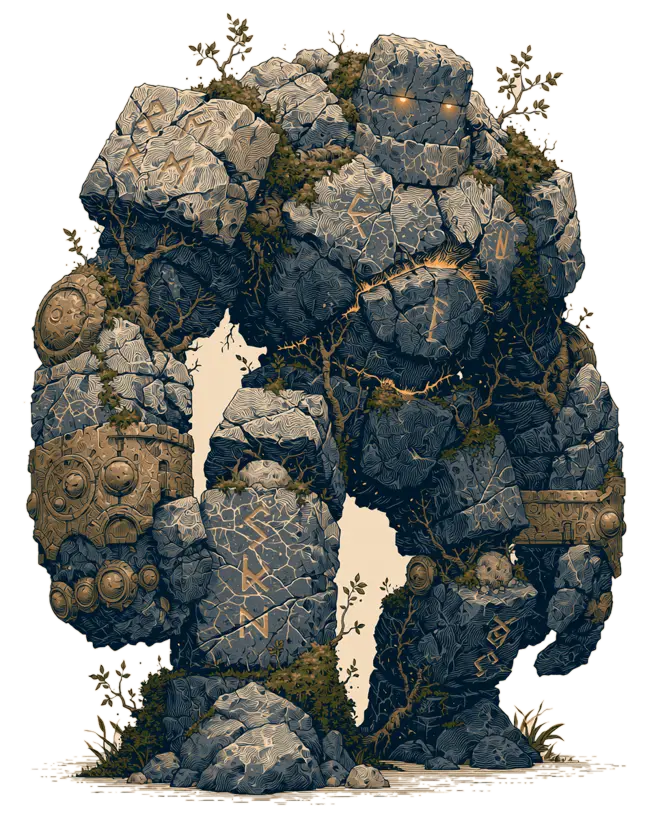
Stone Golem
Hydra

Monsters

Search by nameFilter by creature typeFilter by environment

Items

Filter categories including:

Adventuring gearArmorFood, drink and lodgingMounts and vehiclesToolsWeapons

Custom content

Create and store your own:

MonstersItemsMagic itemsArmorCombat options

The product principle

Built to support the table, not replace it.

Companion HQ is not a virtual tabletop. It does not replace maps, miniatures, notes or conversations.

The Companions organize the information that changes during preparation and play. The game itself stays at the table.

  • Runs in a modern browser
  • Works across connected Companion modules
  • Keeps preparation and live play in the same campaign flow
  • Includes no battle maps or virtual tabletop
  • Supports focused views for Game Masters and players

Available now

All three Companions are available.

Campaign Companion, Player Companion and Combat Companion can be used as connected parts of the same campaign.

Start here · Campaign Companion

For session preparation, campaign information, players, NPCs, loot, rewards, encounter preparation and libraries.

Open Campaign Companion Learn more

Player Companion

For character creation, character sheets, resources, inventory and live player updates.

Combat Companion

For initiative, combatants, hit points, conditions, dice and live encounter tracking.

Frequently asked questions

Bring the whole session together.

Prepare the campaign, connect the players and move into combat without rebuilding the session in a separate tool.

Campaign prep · Live player updates · Connected combat